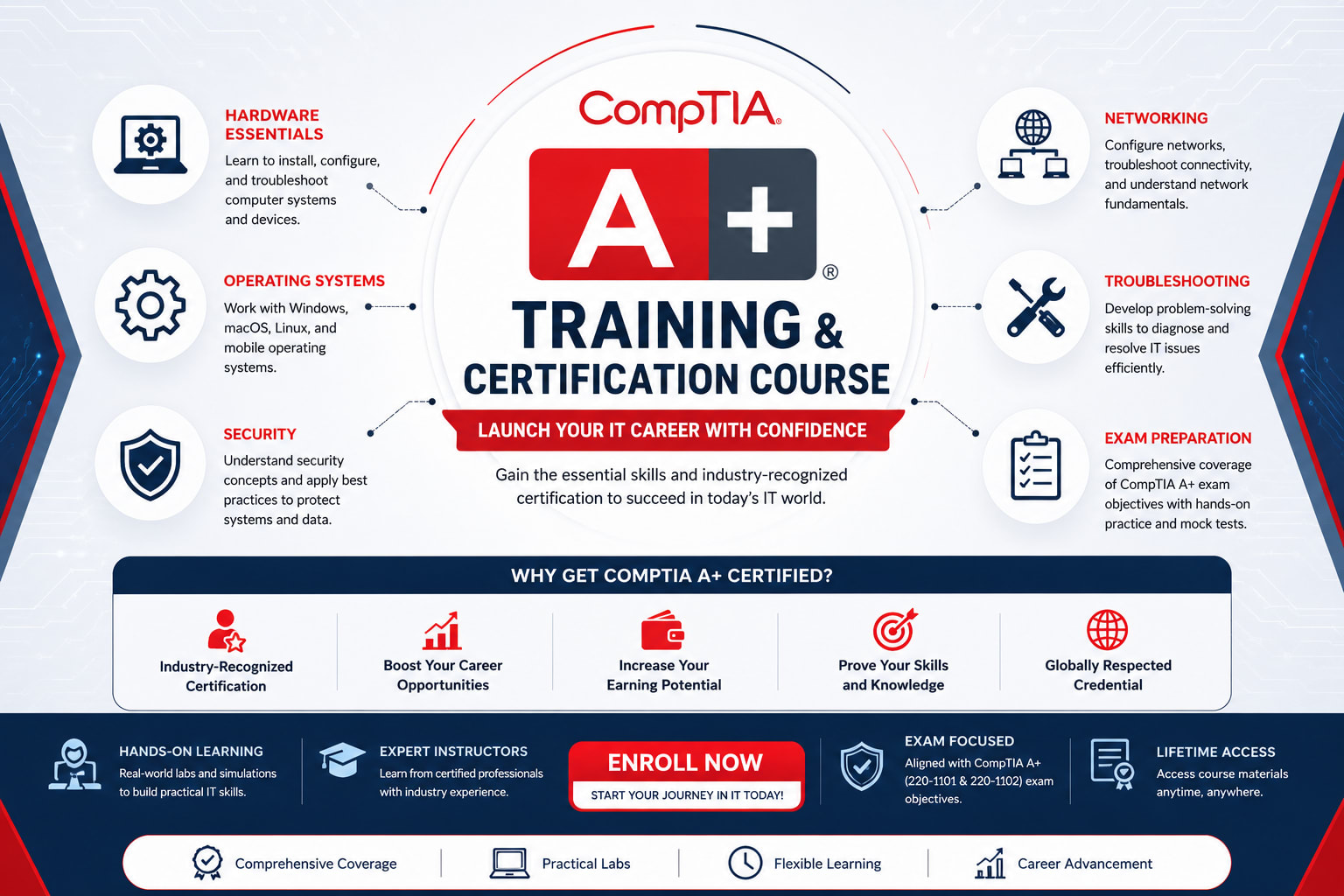
CompTIA A+ Training & Certification Course | Core IT Support Certification Program
Build a strong foundation in IT support with our comprehensive CompTIA A+ training course. Learn computer hardware, operating systems, networking fundamentals, mobile devices, cybersecurity basics, troubleshooting techniques, virtualization, cloud concepts, and hands-on IT support skills required to become a certified IT professional.
Instructor
Babli Kumari
cyberkavach2026@gmail.com
Course Description
CompTIA A+ Course Overview
The CompTIA A+ certification training program is an industry-recognized entry-level IT certification designed for aspiring IT professionals who want to build a successful career in technical support, system administration, and help desk operations. The course provides practical knowledge of computer hardware, software, networking, operating systems, cybersecurity fundamentals, mobile devices, cloud computing, and troubleshooting methodologies.
As organizations increasingly rely on modern IT infrastructure, skilled support professionals play a critical role in maintaining systems, resolving technical issues, and ensuring business continuity. This training combines theoretical knowledge with extensive hands-on practical labs to prepare learners for real-world IT environments and the latest CompTIA A+ certification exams.
What We Offer in This Course
- Comprehensive understanding of computer hardware and software.
- Hands-on practical training in PC assembly and troubleshooting.
- Operating system installation and configuration.
- Networking fundamentals and connectivity troubleshooting.
- Cybersecurity best practices for IT support professionals.
- Mobile device configuration and maintenance.
- Cloud computing and virtualization fundamentals.
- Preparation for the latest CompTIA A+ certification exams.
- Guidance from experienced IT professionals.
- Career assistance for entry-level IT roles.
Course Objectives
- Understand computer hardware components and architecture.
- Install, configure, and troubleshoot operating systems.
- Learn networking concepts and connectivity troubleshooting.
- Implement basic cybersecurity practices.
- Configure mobile devices and cloud technologies.
- Develop structured troubleshooting skills.
- Perform preventive maintenance and system optimization.
- Prepare for CompTIA A+ certification with practical labs.
Topics Covered During the Training
Introduction to IT Fundamentals
- Computer fundamentals.
- IT career paths.
- Computer architecture basics.
- Types of computing devices.
- IT industry standards.
Computer Hardware
- Motherboards and processors.
- Memory and storage devices.
- Power supplies and cooling systems.
- Peripheral devices.
- Hardware upgrades and maintenance.
Operating Systems
- Windows installation and configuration.
- Linux and macOS basics.
- Command-line tools.
- System utilities.
- OS troubleshooting.
Networking Fundamentals
- TCP/IP fundamentals.
- Network devices.
- IP addressing.
- Wireless networking.
- Network troubleshooting.
Mobile Devices
- Android and iOS devices.
- Device configuration.
- Synchronization techniques.
- Mobile security.
- Troubleshooting mobile devices.
Cybersecurity Fundamentals
- Malware identification.
- Authentication methods.
- Access control basics.
- Security best practices.
- Endpoint protection.
Virtualization and Cloud Computing
- Virtual machines.
- Cloud service models.
- Cloud deployment models.
- Remote desktop technologies.
- Virtualization management.
Troubleshooting Methodologies
- Structured troubleshooting process.
- Hardware troubleshooting.
- Software troubleshooting.
- Network issue resolution.
- Documentation and reporting.
Operational Procedures
- Safety procedures.
- Change management.
- Documentation best practices.
- Professional communication.
- Customer service skills.
Hands-On Practical Exposure
- PC assembly and hardware installation labs.
- Operating system installation exercises.
- Network setup and troubleshooting.
- Hardware diagnostics and repair.
- Mobile device configuration.
- Security configuration labs.
- Real-world IT support simulations.
Tools and Technologies Covered
- Windows Operating System.
- Linux.
- macOS basics.
- PowerShell.
- Command Prompt.
- VirtualBox.
- Remote Desktop Tools.
- Hardware diagnostic utilities.
Who Should Enroll
- Students beginning an IT career.
- Help Desk Technicians.
- Technical Support Engineers.
- Desktop Support Professionals.
- IT Administrators.
- Career changers entering IT.
- Anyone preparing for CompTIA A+ certification.
Career Opportunities After Completion
- IT Support Specialist.
- Help Desk Technician.
- Desktop Support Engineer.
- Field Service Technician.
- Technical Support Executive.
- System Support Administrator.
- Junior Network Support Engineer.
Certification Preparation
- Complete coverage of the latest CompTIA A+ exam objectives.
- Practice tests and mock examinations.
- Hands-on lab exercises.
- Revision sessions and doubt clearing.
- Certification exam preparation guidance.
By the end of this training program, participants will have the practical knowledge and technical skills required to install, configure, maintain, troubleshoot, and secure modern computer systems while preparing confidently for the CompTIA A+ certification and entry-level IT support careers.
Course Price
Inclusive of all taxes
This course includes:
- Full lifetime access
- Certificate of completion
- Self-paced learning
- Expert instructor